
How AI Collects and Potentially Uses Your Child’s Data
What Role Does AI Play in Data Collection?
AI needs data to “learn,” predict, and improve. When your child uses an app, website, or device powered by AI, it collects information to personalize their experience — which also means it’s tracking their behavior and preferences in the background.
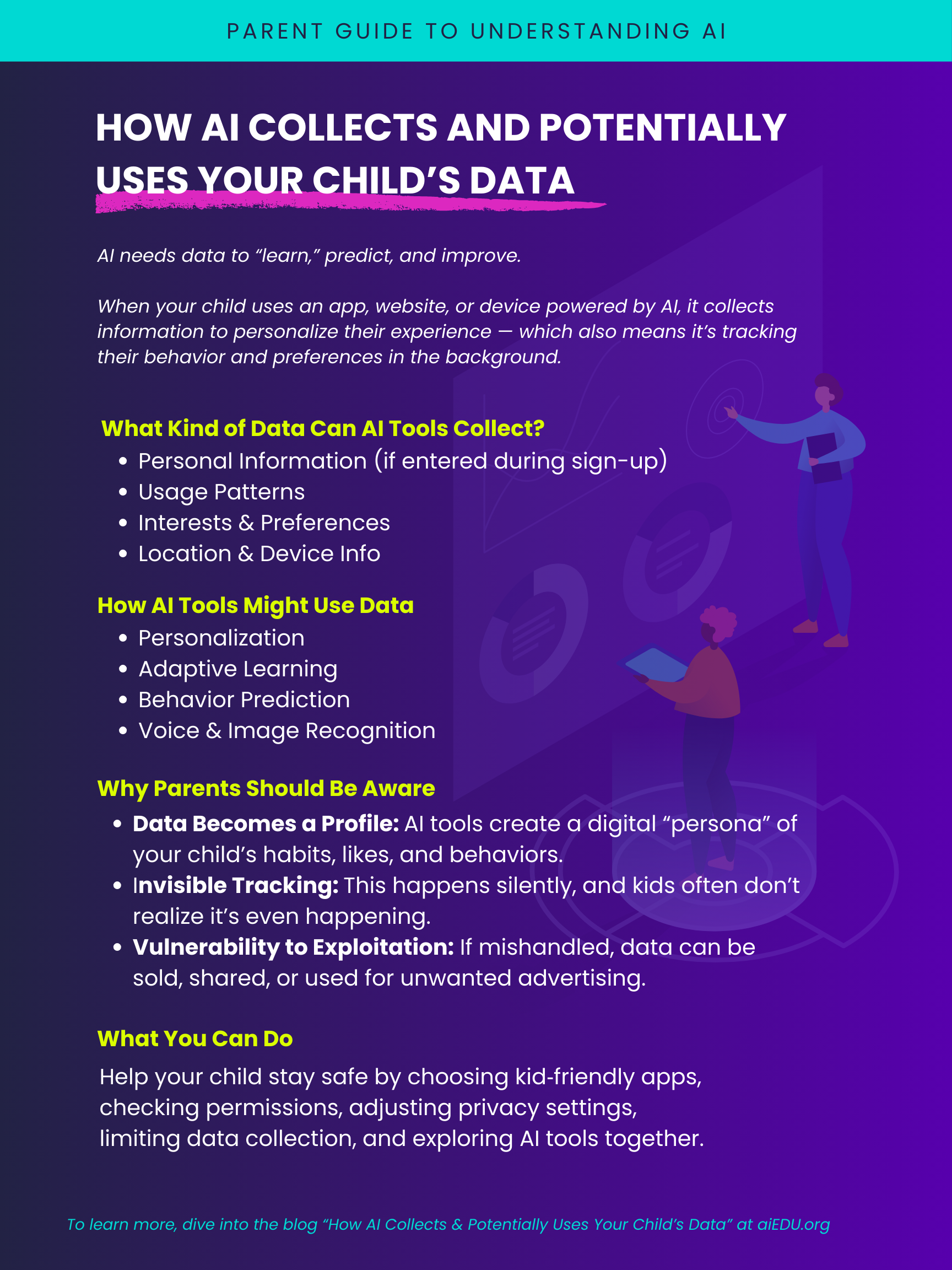
Click the infographic to download or print.
What Kind of Data Can AI Tools Collect?
Personal Information: Names, age, school details (if entered during sign-up).
Usage Patterns: How long your child plays a game, which videos they click, or when they stop watching.
Interests & Preferences: Liked videos, chosen avatars, favorite colors or subjects.
Emotional Cues: Facial expressions (via camera), tone of voice, or typed responses.
Location & Device Info: IP address, GPS data, and even how the device is held or tilted.
🔄 How AI Tools Might Use Data
Personalization: Suggest videos, games, or content your child is likely to enjoy.
Adaptive Learning: Change the difficulty level of quizzes or games based on past performance.
Behavior Prediction: Guess what your child might want next — and shows it quickly!
Ad Targeting: Display highly personalized ads based on past clicks or views.Voice & Image Recognition: Smart speakers, toys, or apps “learn” to respond better over time.
⚠️ Why Parents Should Be Aware
Data Becomes a Profile: AI tools create a digital “persona” of your child’s habits, likes, and behaviors.
Invisible Tracking: This happens silently, and kids often don’t realize it’s even happening.
Vulnerability to Exploitation: If mishandled, data can be sold, shared, or used for unwanted advertising.
✅ What You Can Do
Choose Apps Carefully: Look for tools designed for children and compliant with privacy laws like COPPA (Children’s Online Privacy Protection Act).
Check Permissions: Before downloading, see what the app asks for. For example:
Does a drawing app really need camera access?
Does a homework app need your child’s location?
Talk About It: Explain to your child that “smart” apps learn from what they do, which sometimes is helpful, but often it’s just marketing.
Adjust Privacy Settings:
On YouTube Kids, go to Settings > Privacy and turn off “Personalized Ads.”
On Google Family Link, you can manage what data apps can access (like camera, microphone, or location).
On iOS and Android devices, check Settings > Privacy to limit location tracking and app permissions.
Limit Data Collection: Instead of “turning off unnecessary data collection” (which can feel vague), look for options like:
“Limit Ad Tracking” (found in device settings).
“Do Not Track” toggles on web browsers.
Disabling features like “voice recordings saved” in smart speakers.
Use AI Together: Explore apps as a family so you can ask questions and model safe use.
